- 20 CM USB-C to USB-C data and charging cable
- USB-C to USB-A adapter
- USB-C to mini USB adapter
- USB-C to Apple Lightning adapter
- SIM ejector pin
- 2 Nano SIM card slots
- Ambience LED light with 2 brightness settings
- Built-in SD card reader
- Built-in wireless charger
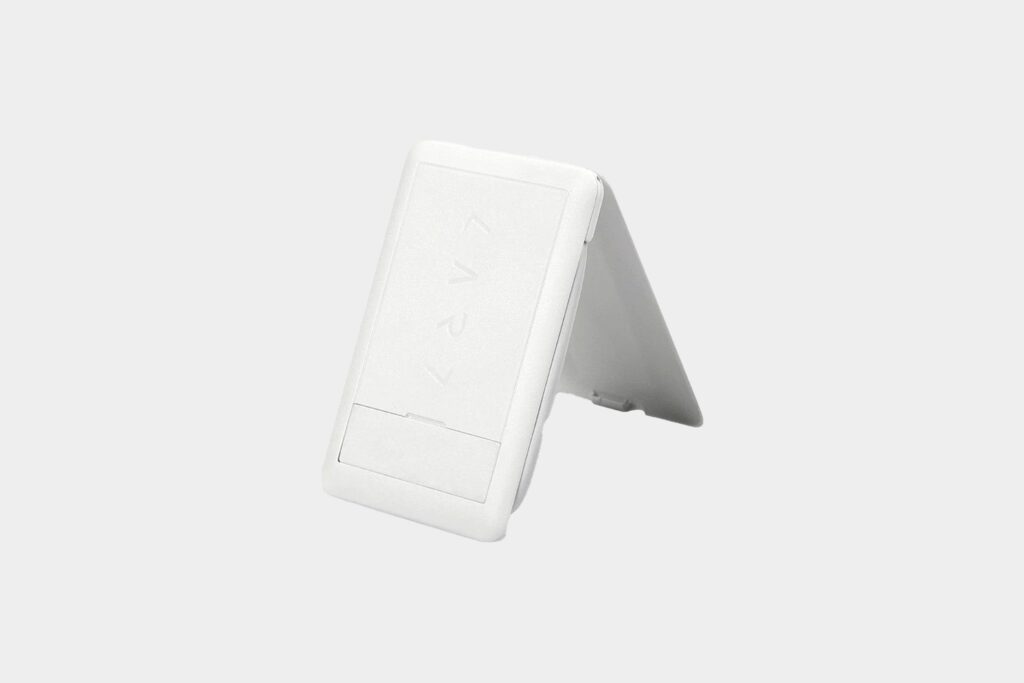
- Built-in phone stand
It is very modular and depending on your needs, you can practically adapt any of these to any of your devices. One of the USB-C ports on the cable is plugged-in directly into the Kablecard. By plugging it into a powerbank or laptop, you enable a few other functionalities.
Although in my few weeks of testing, the positioning is a little bit tricky to get it to work lying down, the best way to use it is actually to prop it up into the stand position, flip the bottom tab and use it as a standing wireless charger. This allows you to place your phone vertically or horizontally across the Kablecard, resting your phone against the tab. Although the wireless charging would only work if you place your phone horizontally as the card’s charging coil is located in the middle of the card. Using this method of wireless charging, I’ve never had a time where my phone couldn’t charge due to positioning.
The LED ambience light function is also useful. You can switch between off, soft and bright light settings. Word of warning though, do not stare directly at the LED when trying to turn it on or it will work like a flashbang. Works perfect if dark places and as long as you use it as a standing wireless charger with your phone blocking the LED sun.
Finally, I did not realize until a few days ago that the Kablecard actually still has a hidden micro SD slot at the side, which allows the card to act as a micro SD reader when connected to your laptop!
I also dig that there are 2 nano SIM card slots for you to store your SIM cards with a peace of mind when travelling.
This small device has earned a permanent place in my to-go kit.